Poll Penguin
Real-Time Classroom Polling Platform

Overview
Poll Penguin is a web-based classroom polling platform developed as part of a university software engineering project. The application enables instructors to create live polls, quizzes, and anonymous feedback sessions while allowing students to respond instantly from their own devices. By collecting responses in real time, instructors can gauge student comprehension and adjust lecture pacing while class is still in progress.
The Problem
Large university computer science courses often enroll more than 150
students, making it difficult for instructors to keep students
engaged and accurately measure their understanding throughout a
lecture.
During remote learning, instructors relied on Zoom's built-in
polling and reaction features to solve these challenges. Pre-class
polls encouraged attendance and captured students' attention before
lectures began, while "speed up" and "slow down" reactions provided
continuous feedback during class. As universities transitioned back
to in-person instruction, those feedback tools were no longer
readily available.
Our objective was to design and build a web application that
recreated these interactive classroom tools in an in-person
environment, allowing instructors to collect live feedback and make
informed teaching decisions throughout each lecture.
My Role
Team Web DeveloperAs a member of a multi-person software engineering team, I contributed to both the frontend and backend of the application. My responsibilities included implementing user interface components, integrating backend functionality, collaborating through Agile development practices, and helping deliver a complete classroom polling platform.
The Solution
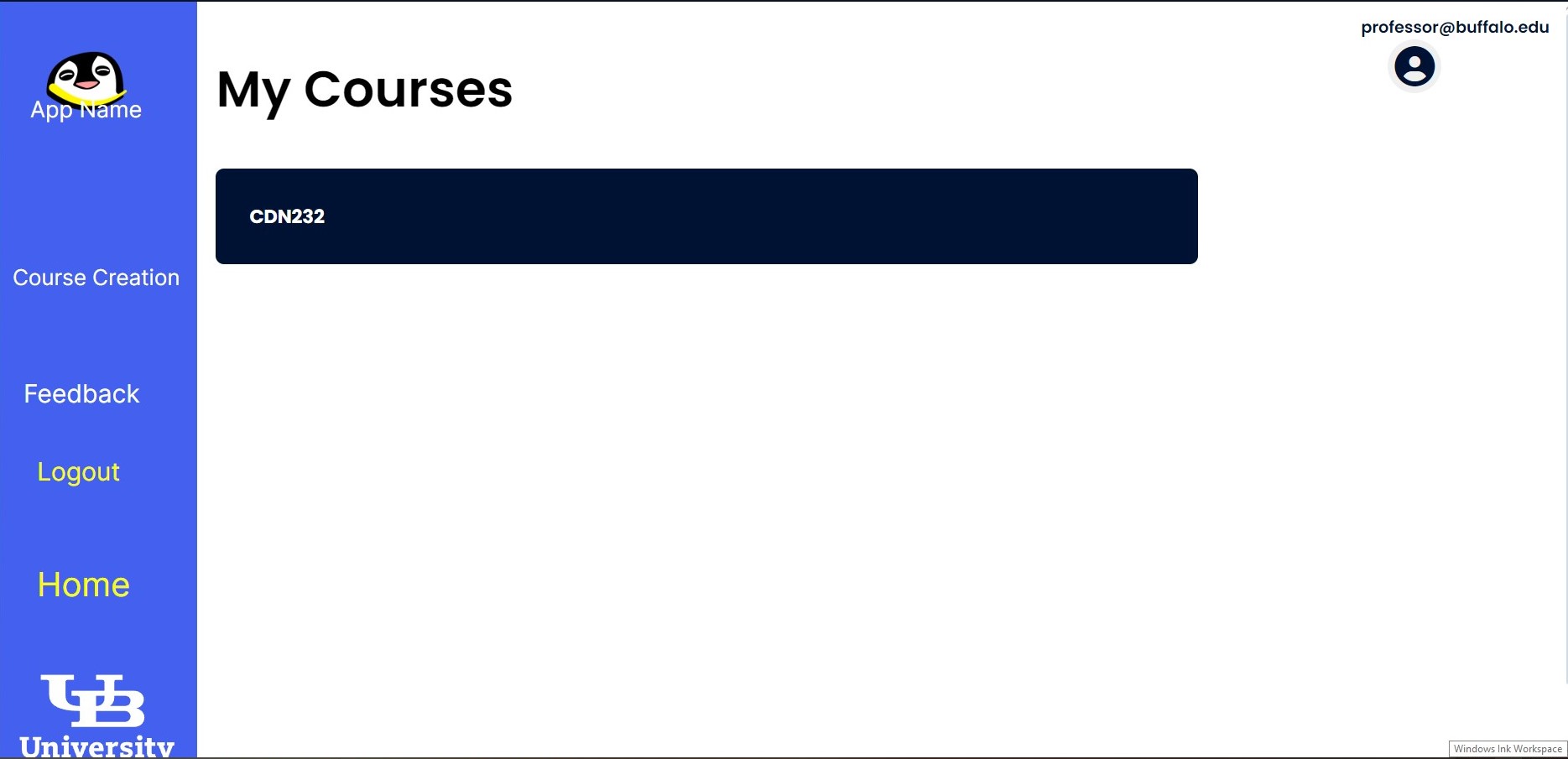
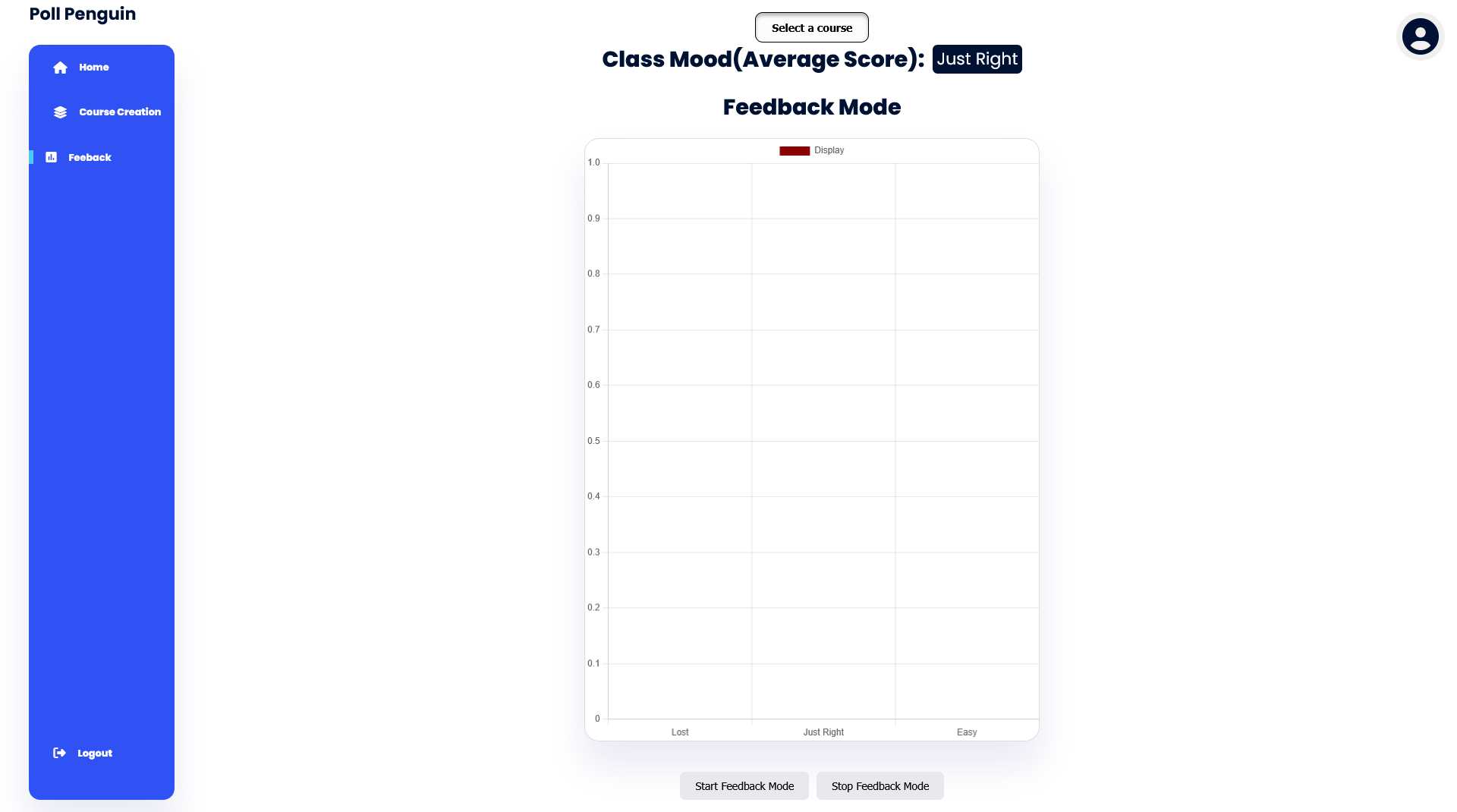
Poll Penguin provides instructors with a centralized dashboard for
managing classrooms, creating polls and quizzes, collecting
anonymous feedback, and viewing live analytics. Students simply join
a classroom using a course code and can immediately participate from
any web browser without interrupting the flow of the lecture.
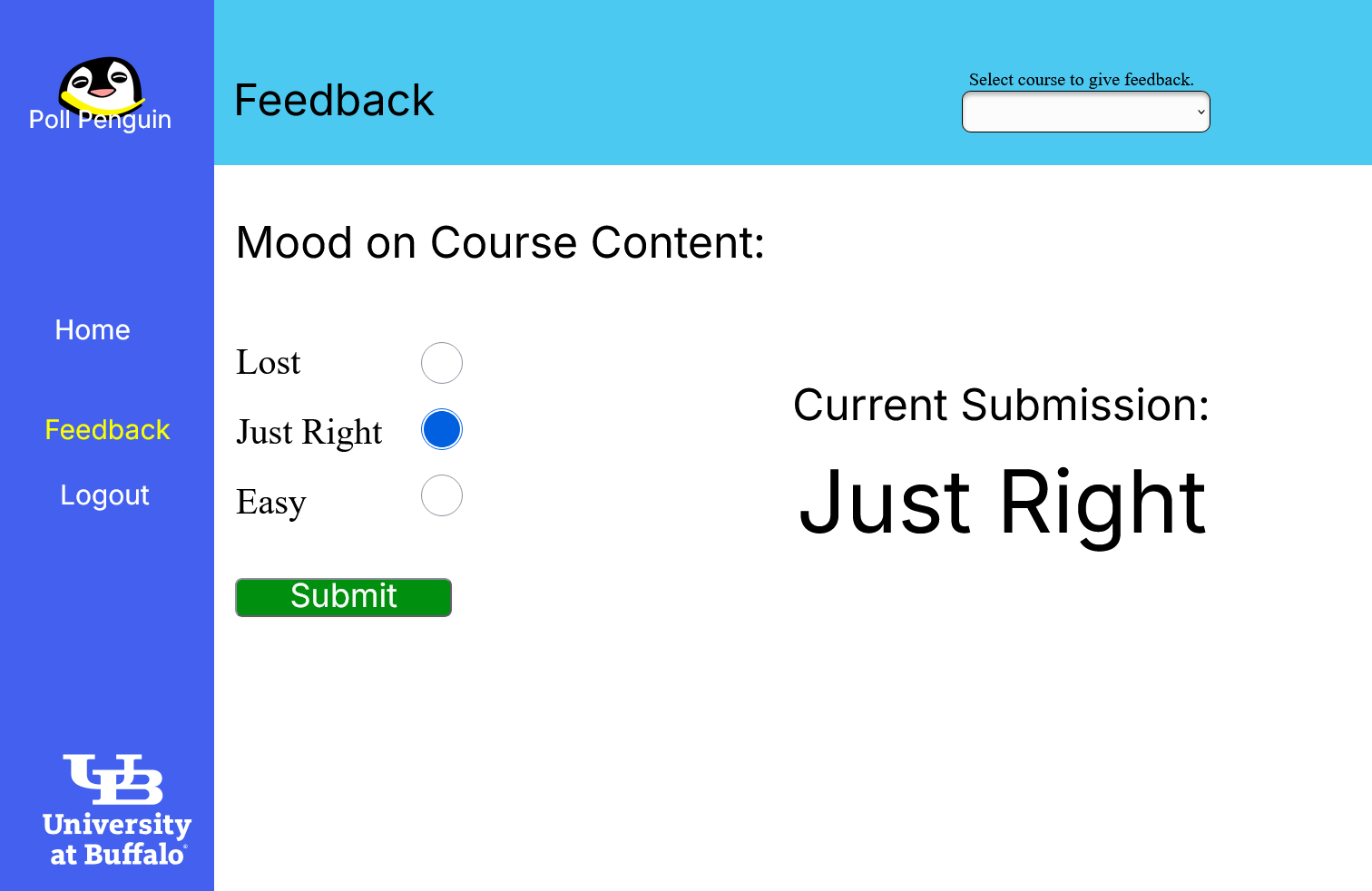
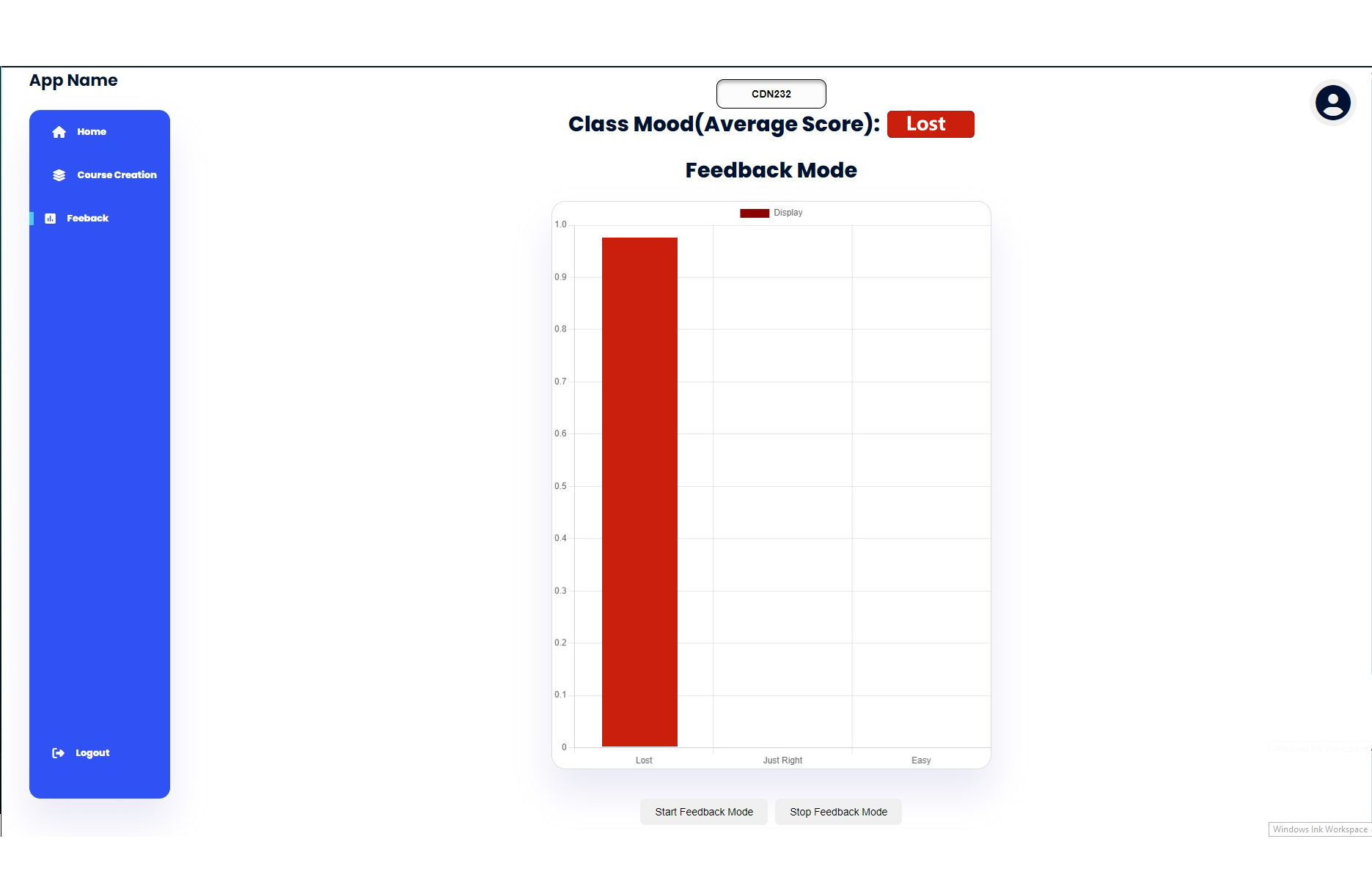
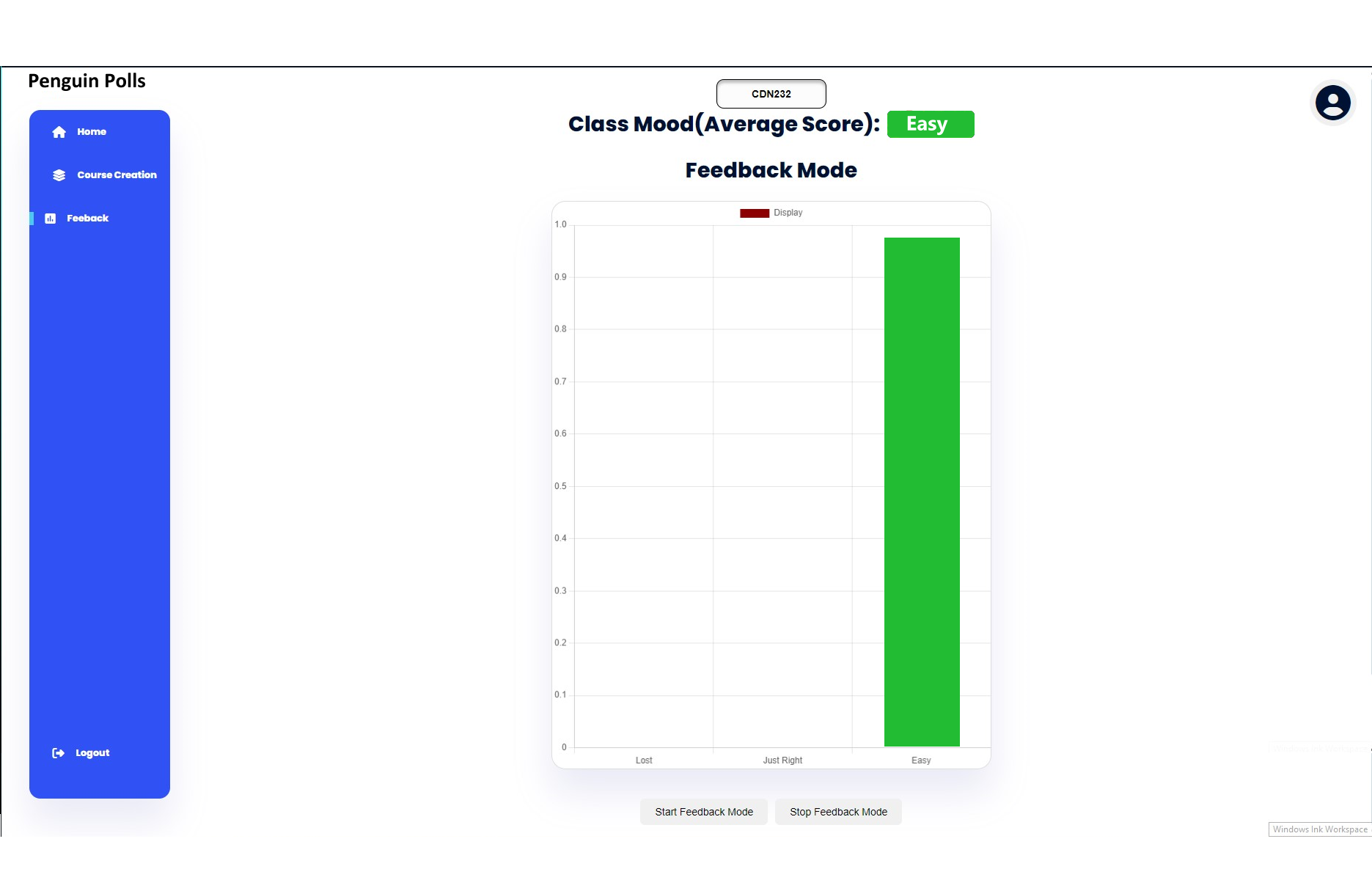
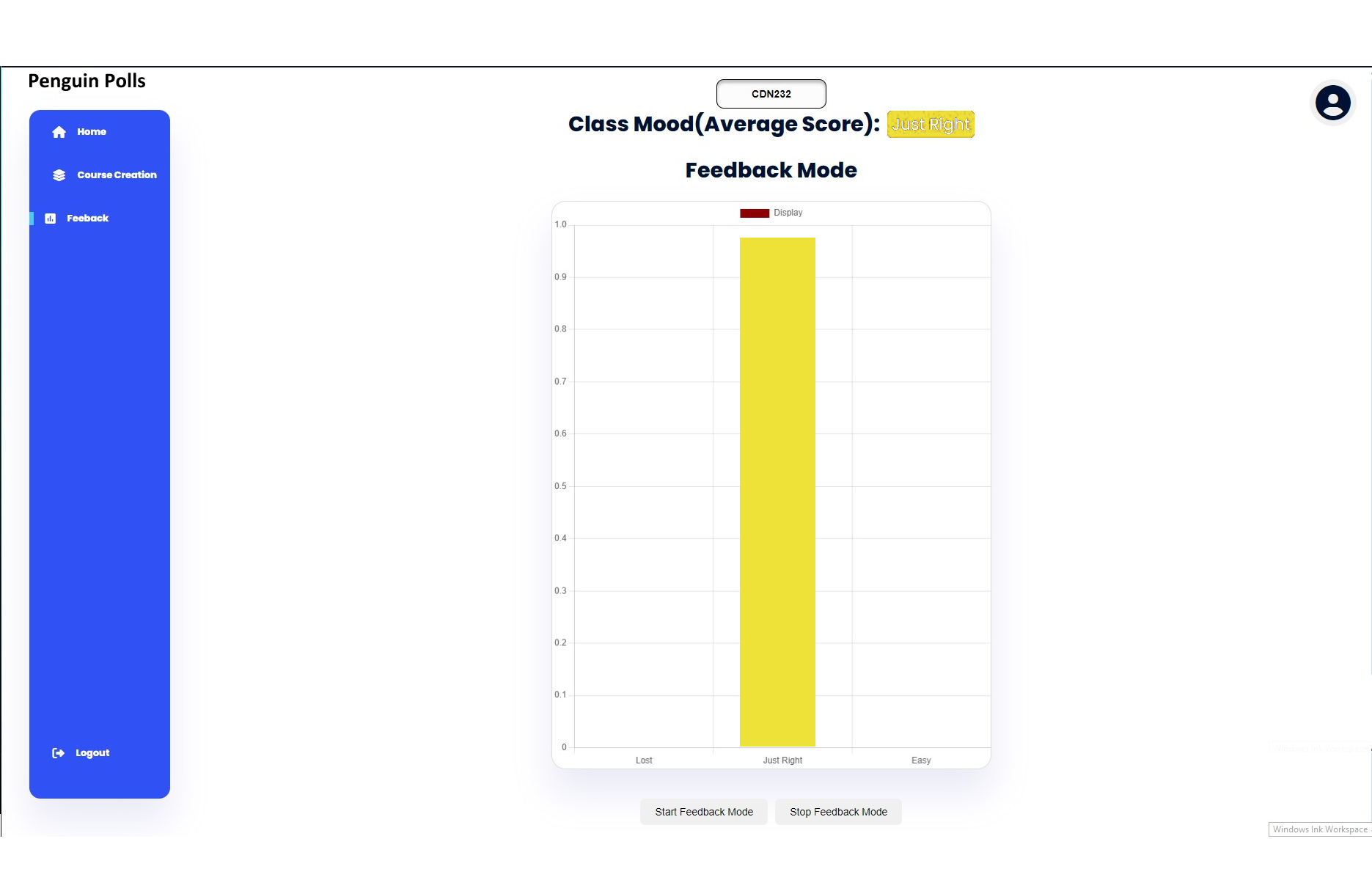
The platform allows instructors to quickly identify whether students
understand the material, are becoming confused, or are losing
engagement, enabling them to adjust the pace of instruction in real
time.
Key Features
- Create live polls
- Collect anonymous feedback
- Support student login
- Display live results
- Provide an instructor dashboard
- Create quizzes
Technologies
- HTML
- CSS
- JavaScript
- PHP
- MySQL
- Git
- GitHub
Engineering Highlights
Authentication
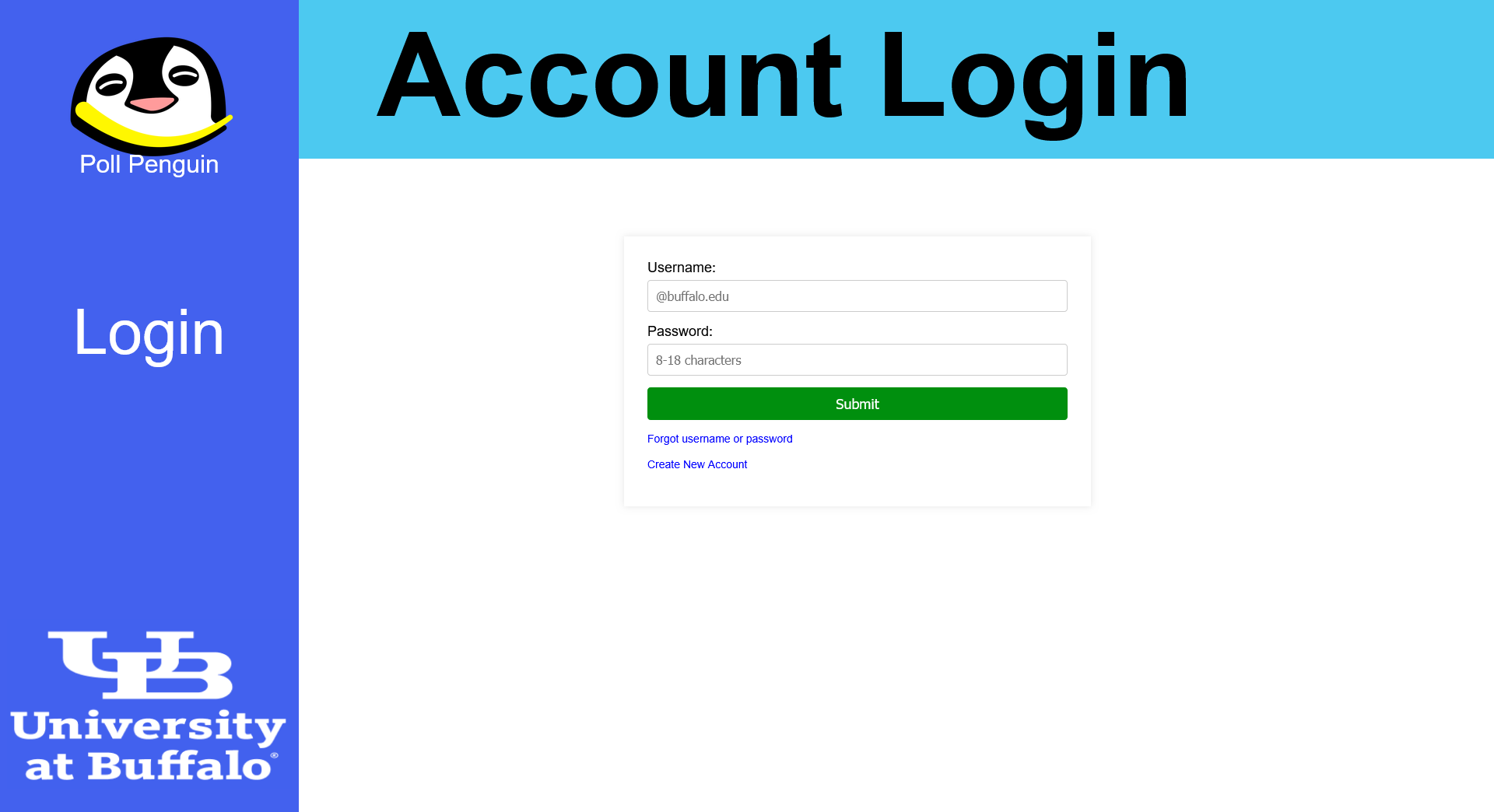
The authentication system gave students and instructors secure
access to the application through account creation, login, and
role-specific dashboards. User credentials were validated against
a MySQL database through PHP endpoints, enabling personalized
access to classroom management and polling features.
As one of my first backend contributions to the project, I
implemented the account registration and login workflows, wrote
database queries with prepared statements, and created the logic
for generating one-time verification codes during account
creation. This work established the initial authentication layer
and strengthened my understanding of backend development and
database integration.
Database Architecture
The application's database was designed to manage user accounts,
classrooms, polls, quizzes, and student responses while
maintaining relationships between each entity. A relational MySQL
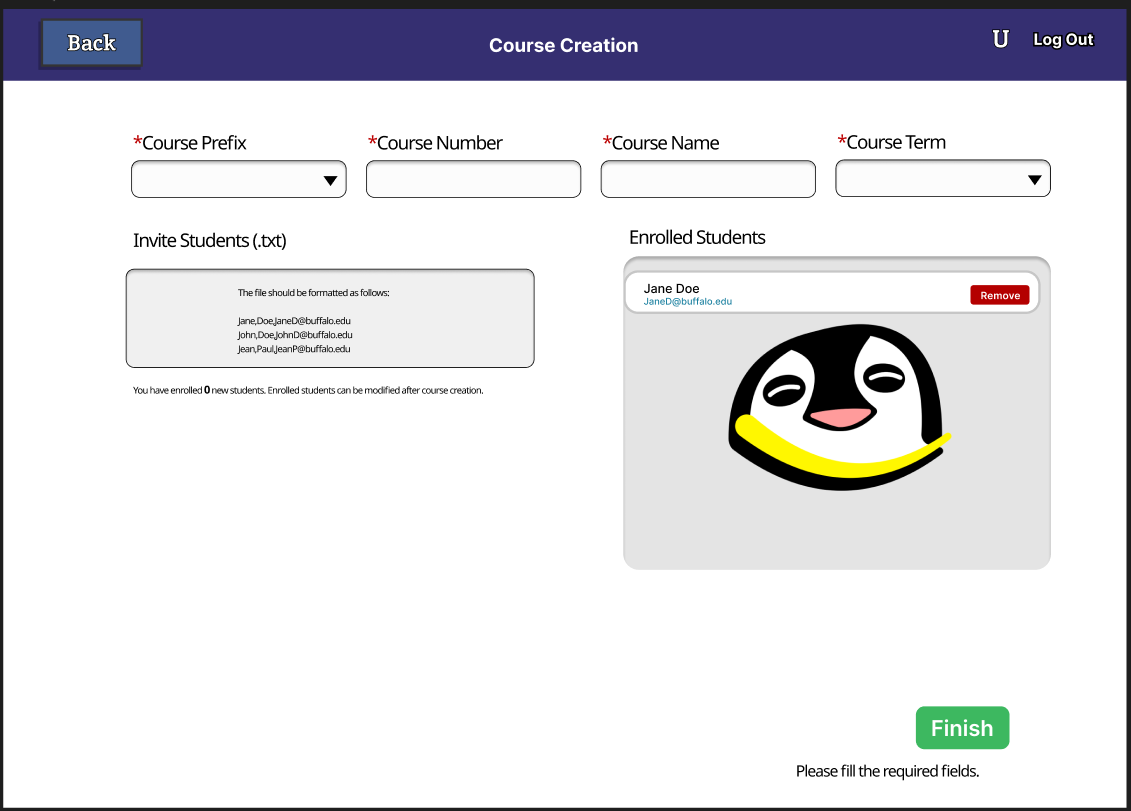
database allowed instructors to create courses, manage classroom
sessions, and retrieve poll results efficiently.
On the backend, PHP endpoints handled database operations using
prepared statements for queries and updates. Careful organization
of the database schema made it possible to connect instructors
with their classrooms, students with their responses, and polls
with the results displayed on the instructor dashboard.
Real-Time Polling
One of the application's primary goals was giving instructors
immediate insight into student understanding during lectures. As
students submitted responses from their devices, the frontend
continuously communicated with the backend through HTTP requests
to retrieve updated polling data.
This workflow allowed instructors to monitor classroom
participation, view live poll results, and adjust the pace of
instruction based on current student feedback. Building this
feature required close coordination between the frontend and
backend to keep submitted data, processed results, and dashboard
views consistent throughout a lecture.
Challenges
One of the biggest challenges was coordinating development in a
fully remote team environment during an accelerated summer course.
Because team members worked on different features simultaneously, we
occasionally encountered integration issues when merging frontend
and backend changes. Differences in API expectations, POST request
structures, and JSON formats sometimes caused bugs that only became
apparent near the end of a sprint.
As deadlines approached, our team collaborated closely to resolve
these issues. While some members debugged existing functionality,
others finalized new features or polished the user interface. These
experiences reinforced the importance of clear communication,
consistent API contracts, and regular integration testing throughout
development.
Lessons Learned
This project gave me practical experience working on a collaborative
software engineering team using Agile development practices. I
learned the importance of clear communication, documented API
specifications, and frequent integration to avoid difficult merge
conflicts late in development.
If I were to build this application again, I would introduce
automated API testing, stronger endpoint documentation, and more
frequent integration between the frontend and backend to catch
compatibility issues earlier in each sprint.
Gallery
Future Improvements
- Add WebSocket-based updates
- Add dark mode
- Add instructor notifications
- Expand analytics dashboards
Social